Filed under android …
The hardware platform was based on an ESP32 board. The ESP32 board queries the existing system through a SPI base command interface, and makes the data available over JSON-RPC interface. The mobile application runing on iPhone / Android mobile, queries the data periodically over the JSON-RPC interface, and displays it on the mobile application interface, in a format that is convenient for the user.
The hardware platform was based on an ESP32 board. The ESP32 boardqueries the existing system through a SPI base command interface, andmakes the data available over JSON-RPC interface. The mobile application runing on iPhone / Android mobile, queries the data periodically over the JSON-RPC interface, and displays it on themobile application interface, in a format that is convenient for the user.
This article tries to brief the purpose of embedded Linux build systems and introduction to few of the popular ones.
To develop a Linux based embedded systems, it is required to compile the bootloader, kernel, filesystem and applications using script files using custom build procedures. An Embedded Linux Build System refers to the the tools and the environment for building the software packages for a particular board/machine.
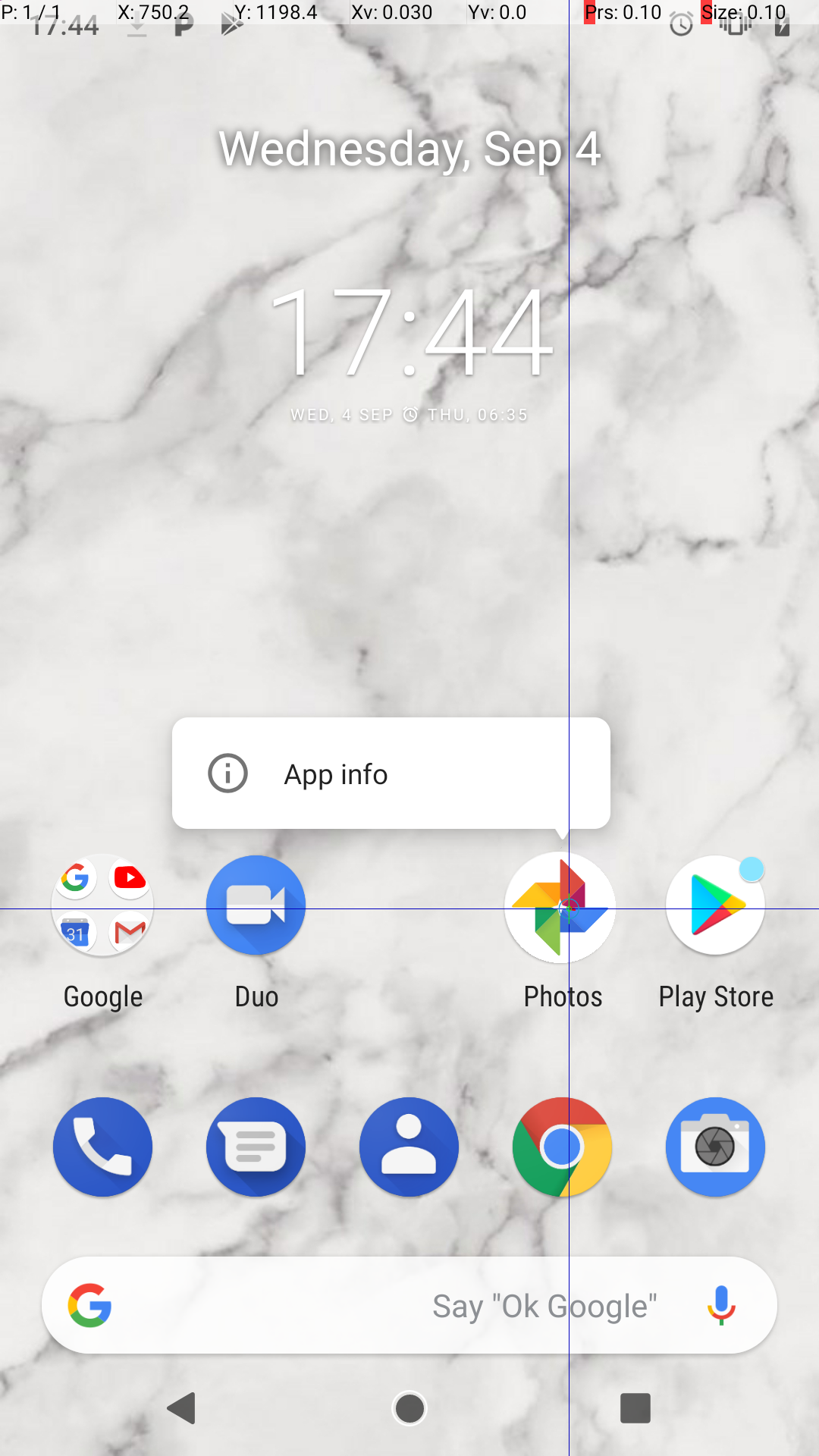
Android applications are the prominent software developed in this era. The developers and testers may want to automate the testing of their App with less learning curve, before getting into a full blown test frameworks. Using ADB commands for Android testing is a lean methodology, where with a few commands and little quirks, the tests can be automated. In this article let’s get to know about the ADB, and few categories of UI features that can be tested with ADB. It would be nice to watch, testing the "GALLERY" App automatically with ADB.
Android is a open source operating system designed specifically for mobile platforms. Over the last few years Android is taking over the mobile market drastically. This article shows how to get started with Android.
Android applications can be created using the command line itself. Necessary tools are provided by the Android SDK. This article will demonstrate how to create a Android Application in the command line.